> ## Documentation Index
> Fetch the complete documentation index at: https://docs.polymarket.us/llms.txt
> Use this file to discover all available pages before exploring further.
# Authentication
> How to get API keys and make authenticated requests.
Authenticated endpoints - trading, portfolio, and WebSocket - require an API key. Public endpoints like market data and events don't need one.
## Get your API keys
1. **Download the app** - Get the [Polymarket US app](https://apps.apple.com/us/app/polymarket/id6648798962) and create an account.
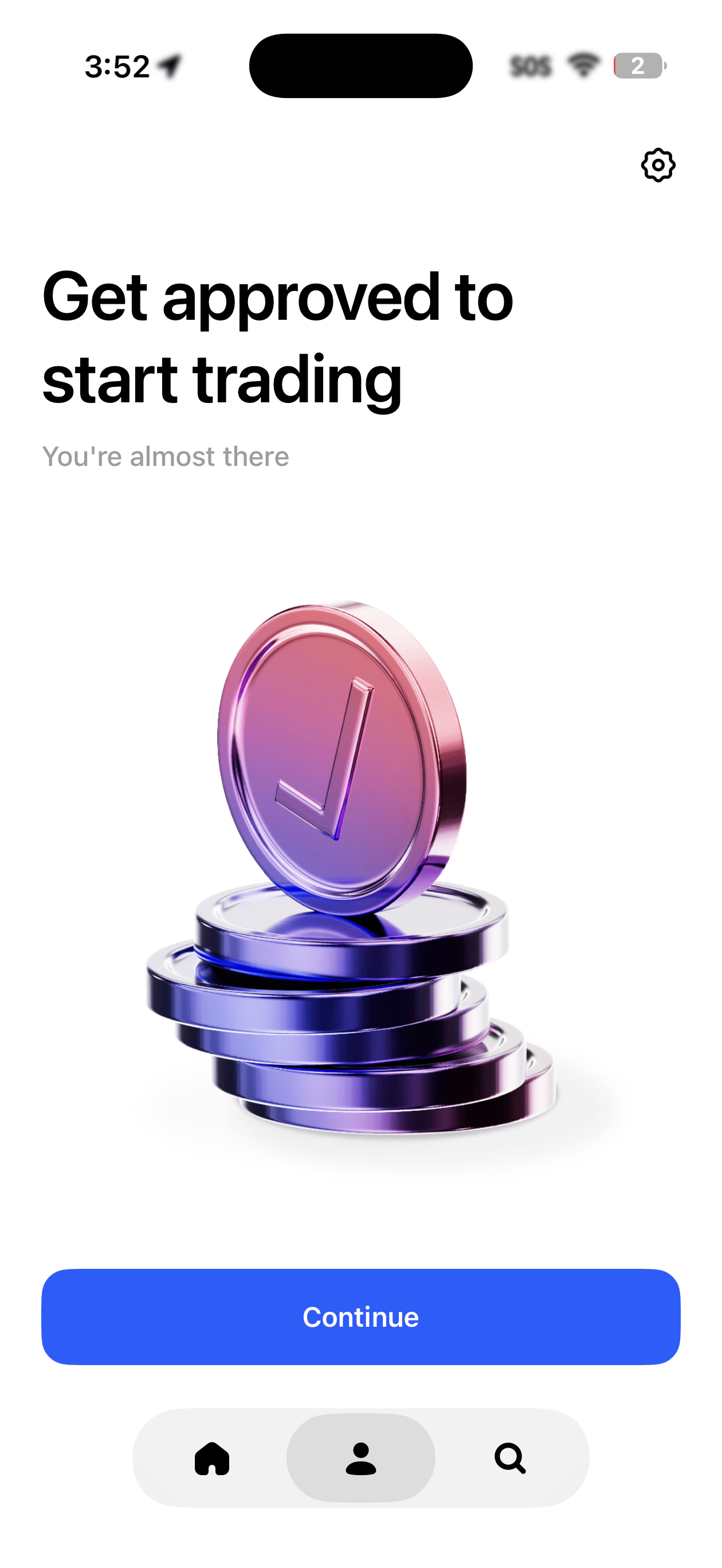
2. **Complete identity verification** - You'll be asked to verify your identity before you can trade or access the API. Once approved, you'll see a confirmation in the app.
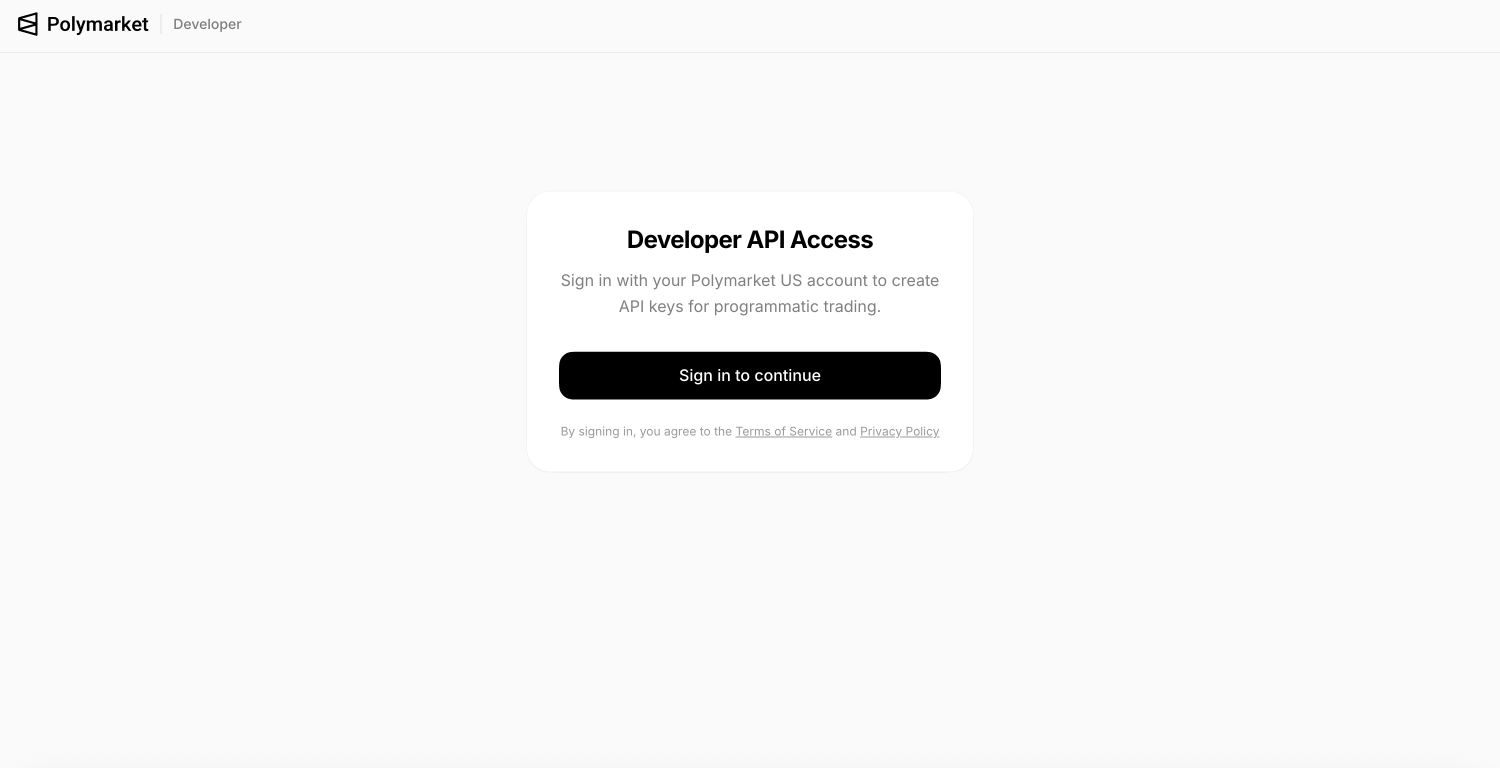
 3. **Go to the developer portal** - Visit [polymarket.us/developer](https://polymarket.us/developer) and sign in with the same method you used in the app (Apple, Google, or email).
 4. **Create an API key** - Click to create a new key. You'll get a **Key ID** and a **Secret Key**.
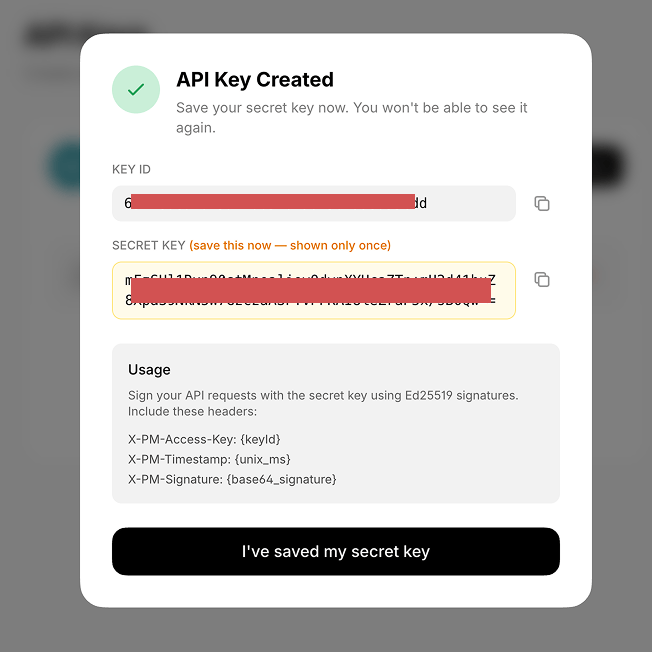 Your secret key is shown **only once**. Copy it somewhere safe before closing the dialog.
If you need help getting set up or need an invite code to access the app, email [support@polymarket.us](mailto:support@polymarket.us).
Always sign in with the same method (Apple, Google, or email). Switching between sign-in methods may break your API key access.
***
## Using the SDK
If you're using the Python or TypeScript SDK, just pass your keys when creating the client - authentication is handled for you automatically.
```typescript TypeScript theme={null}
import { PolymarketUS } from 'polymarket-us';
const client = new PolymarketUS({
keyId: process.env.POLYMARKET_KEY_ID,
secretKey: process.env.POLYMARKET_SECRET_KEY,
});
```
```python Python theme={null}
import os
from polymarket_us import PolymarketUS
client = PolymarketUS(
key_id=os.environ["POLYMARKET_KEY_ID"],
secret_key=os.environ["POLYMARKET_SECRET_KEY"],
)
```
***
## Making raw requests
If you're not using an SDK, each request needs three headers:
| Header | Value |
| ----------------- | ------------------------------------------ |
| `X-PM-Access-Key` | Your Key ID |
| `X-PM-Timestamp` | Current time in milliseconds |
| `X-PM-Signature` | A signature generated from your secret key |
The signature is built by combining the timestamp, HTTP method, and path, then signing it with your secret key. Timestamps must be within **30 seconds** of server time.
```python theme={null}
import time, base64, requests
from cryptography.hazmat.primitives.asymmetric import ed25519
private_key = ed25519.Ed25519PrivateKey.from_private_bytes(
base64.b64decode("YOUR_SECRET_KEY")[:32]
)
def auth_headers(method, path):
timestamp = str(int(time.time() * 1000))
message = f"{timestamp}{method}{path}"
signature = base64.b64encode(private_key.sign(message.encode())).decode()
return {
"X-PM-Access-Key": "YOUR_KEY_ID",
"X-PM-Timestamp": timestamp,
"X-PM-Signature": signature,
"Content-Type": "application/json",
}
response = requests.get(
"https://api.polymarket.us/v1/portfolio/positions",
headers=auth_headers("GET", "/v1/portfolio/positions")
)
```
***
## Tips
* Store your keys in environment variables, never in code
* Don't commit keys to version control
* Revoke compromised keys immediately at [polymarket.us/developer](https://polymarket.us/developer)
Your secret key is shown **only once**. Copy it somewhere safe before closing the dialog.
If you need help getting set up or need an invite code to access the app, email [support@polymarket.us](mailto:support@polymarket.us).
Always sign in with the same method (Apple, Google, or email). Switching between sign-in methods may break your API key access.
***
## Using the SDK
If you're using the Python or TypeScript SDK, just pass your keys when creating the client - authentication is handled for you automatically.
```typescript TypeScript theme={null}
import { PolymarketUS } from 'polymarket-us';
const client = new PolymarketUS({
keyId: process.env.POLYMARKET_KEY_ID,
secretKey: process.env.POLYMARKET_SECRET_KEY,
});
```
```python Python theme={null}
import os
from polymarket_us import PolymarketUS
client = PolymarketUS(
key_id=os.environ["POLYMARKET_KEY_ID"],
secret_key=os.environ["POLYMARKET_SECRET_KEY"],
)
```
***
## Making raw requests
If you're not using an SDK, each request needs three headers:
| Header | Value |
| ----------------- | ------------------------------------------ |
| `X-PM-Access-Key` | Your Key ID |
| `X-PM-Timestamp` | Current time in milliseconds |
| `X-PM-Signature` | A signature generated from your secret key |
The signature is built by combining the timestamp, HTTP method, and path, then signing it with your secret key. Timestamps must be within **30 seconds** of server time.
```python theme={null}
import time, base64, requests
from cryptography.hazmat.primitives.asymmetric import ed25519
private_key = ed25519.Ed25519PrivateKey.from_private_bytes(
base64.b64decode("YOUR_SECRET_KEY")[:32]
)
def auth_headers(method, path):
timestamp = str(int(time.time() * 1000))
message = f"{timestamp}{method}{path}"
signature = base64.b64encode(private_key.sign(message.encode())).decode()
return {
"X-PM-Access-Key": "YOUR_KEY_ID",
"X-PM-Timestamp": timestamp,
"X-PM-Signature": signature,
"Content-Type": "application/json",
}
response = requests.get(
"https://api.polymarket.us/v1/portfolio/positions",
headers=auth_headers("GET", "/v1/portfolio/positions")
)
```
***
## Tips
* Store your keys in environment variables, never in code
* Don't commit keys to version control
* Revoke compromised keys immediately at [polymarket.us/developer](https://polymarket.us/developer)