All API endpoints require authentication using Ed25519 digital signatures.
Ed25519 elliptic curve digital signature algorithm
Request signing with private keys
256-bit security level (equivalent to RSA-3072 or higher)
Required for trading, portfolio, and WebSocket endpoints
Generate API Keys Visit the developer portal to generate your Ed25519 API keys. Your private key will be shown only once.
Creating Your API Keys
To access the API, you’ll need to complete identity verification and generate API keys from the Developer Portal .
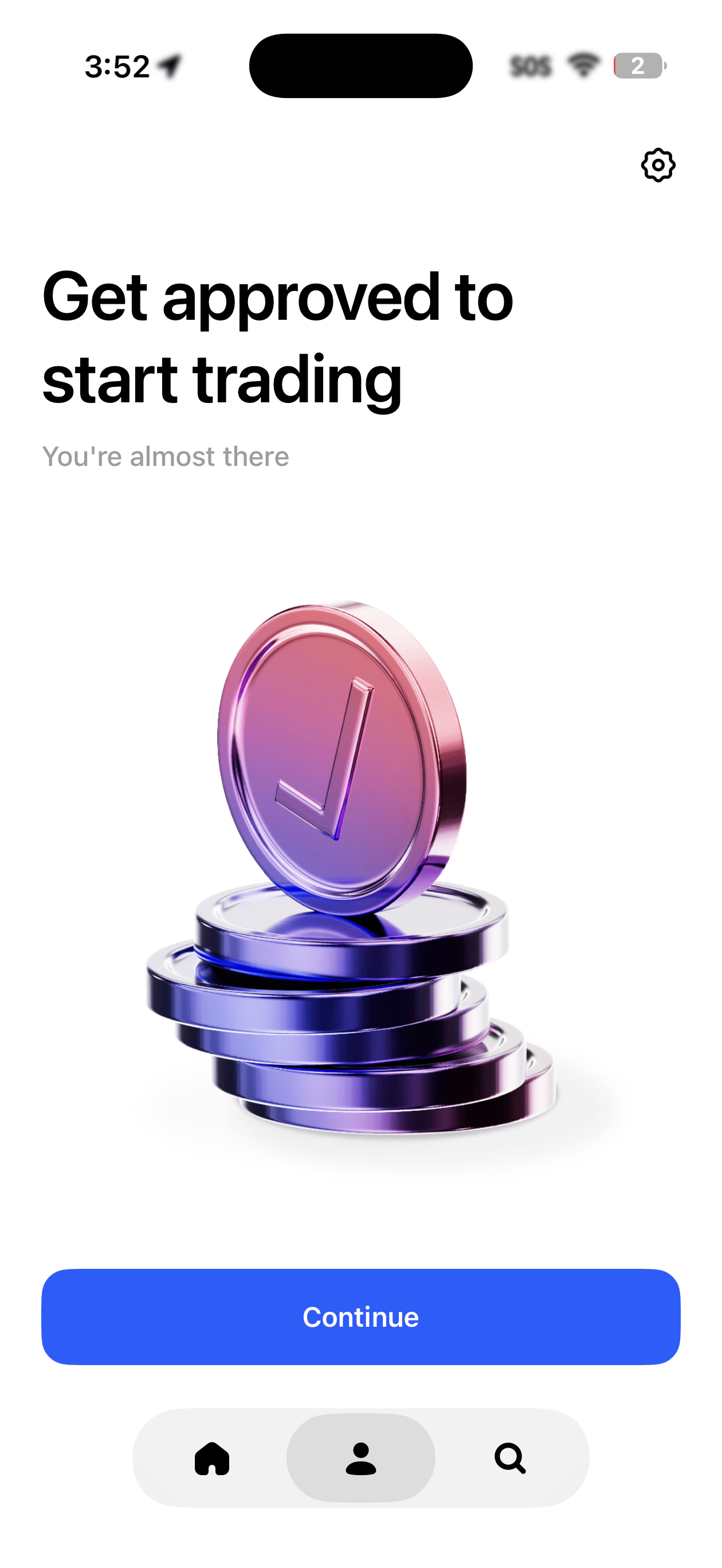
Step 1: Complete KYC Verification
Before accessing the Developer Portal, you must complete identity verification (KYC) in the Polymarket app. Once approved, you’ll be ready to start trading and access the API.
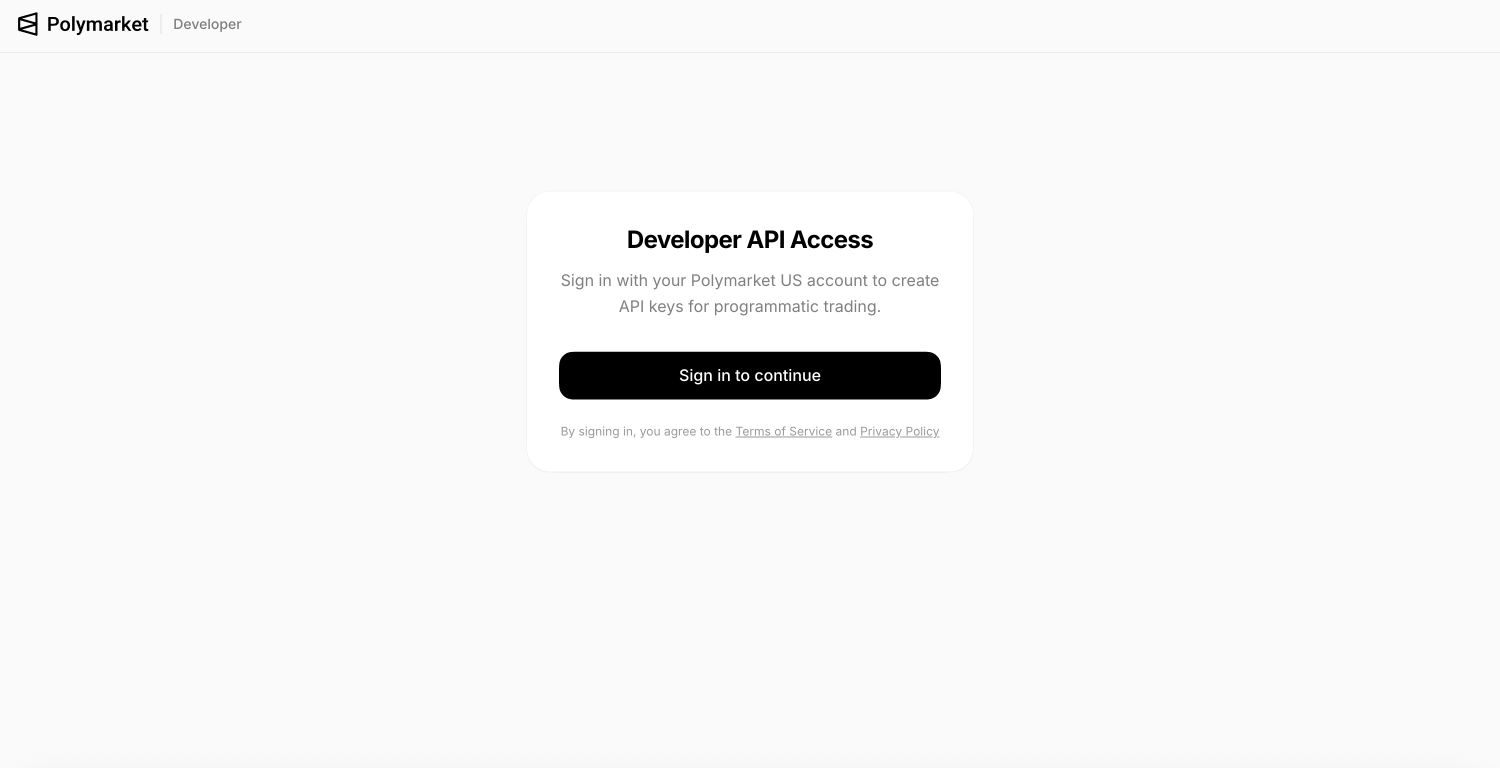
Step 2: Access the Developer Portal
Navigate to polymarket.us/developer and sign in to your account.
Step 3: View the API Key Dashboard
Once logged in, you’ll see the API key dashboard where you can manage your keys.
Step 4: Create Your API Key
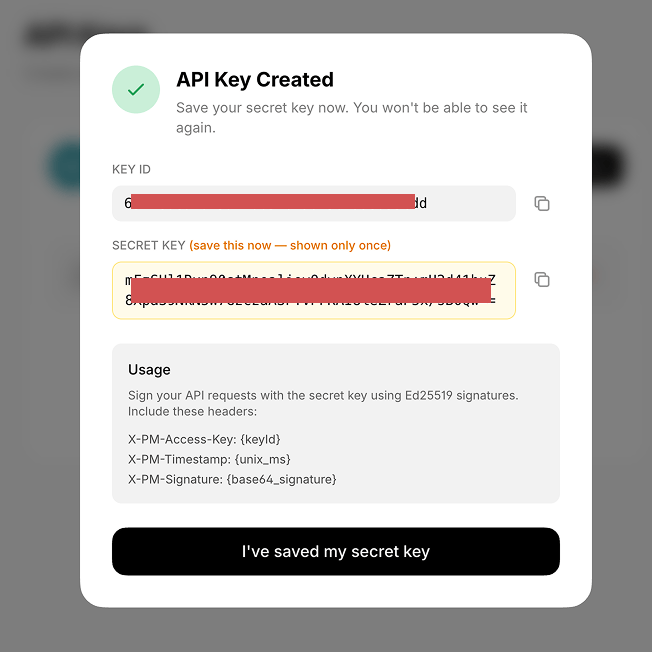
Click to create a new API key. Important: Your private key will only be shown once—copy and store it securely immediately.
Your private key is displayed only once during creation. Make sure to copy and store it in a secure location before closing the dialog.
Signing Requests
Sign each request by concatenating timestamp + method + path and signing with your Ed25519 private key.
message = "1705420800000GET/v1/portfolio/positions"
signature = Ed25519.sign(private_key, message)
All requests to api.polymarket.us must include these headers:
Header Description X-PM-Access-KeyYour API key ID (UUID) X-PM-TimestampUnix timestamp in milliseconds X-PM-SignatureBase64-encoded Ed25519 signature Content-Typeapplication/json (required for POST/PUT requests)
Example GET Request
GET https://api.polymarket.us/v1/portfolio/positions
X-PM-Access-Key: 550e8400-e29b-41d4-a716-446655440000
X-PM-Timestamp: 1705420800000
X-PM-Signature: 4vJ5Ij0mQ8G1jR3L...base64...
Example POST Request
POST https://api.polymarket.us/v1/orders
X-PM-Access-Key: 550e8400-e29b-41d4-a716-446655440000
X-PM-Timestamp: 1705420800000
X-PM-Signature: 4vJ5Ij0mQ8G1jR3L...base64...
Content-Type: application/json
{
"marketSlug" : "super-bowl-lix-chiefs-vs-eagles",
"intent" : "ORDER_INTENT_BUY_LONG",
"type" : "ORDER_TYPE_LIMIT",
"price" : { "value": "0.55", "currency": "USD" },
"quantity" : 100
}
Python Example
import time, base64, requests
from cryptography.hazmat.primitives.asymmetric import ed25519
# Your credentials
private_key_base64 = "YOUR_BASE64_PRIVATE_KEY"
api_key_id = "YOUR_API_KEY_ID"
# Load private key (first 32 bytes are the seed)
private_key = ed25519.Ed25519PrivateKey.from_private_bytes(
base64.b64decode(private_key_base64)[: 32 ]
)
def sign_request ( method , path ):
"""Generate authentication headers for api.polymarket.us"""
timestamp = str ( int (time.time() * 1000 ))
message = f " { timestamp }{ method }{ path } "
signature = base64.b64encode(private_key.sign(message.encode())).decode()
return {
"X-PM-Access-Key" : api_key_id,
"X-PM-Timestamp" : timestamp,
"X-PM-Signature" : signature,
"Content-Type" : "application/json"
}
# Example GET request
path = "/v1/portfolio/positions"
headers = sign_request( "GET" , path)
response = requests.get( f "https://api.polymarket.us { path } " , headers = headers)
print (response.json())
# Example POST request
path = "/v1/orders"
headers = sign_request( "POST" , path)
order_data = {
"marketSlug" : "super-bowl-lix-chiefs-vs-eagles" ,
"intent" : "ORDER_INTENT_BUY_LONG" ,
"type" : "ORDER_TYPE_LIMIT" ,
"price" : { "value" : "0.55" , "currency" : "USD" },
"quantity" : 100
}
response = requests.post( f "https://api.polymarket.us { path } " , headers = headers, json = order_data)
print (response.json())
Security Best Practices
Your private key is shown only once during creation. Store it securely—anyone with your key can trade on your behalf.
Store keys like passwords; use environment variables
Never commit keys to version control
Revoke compromised keys immediately via the developer portal
Timestamps must be within 30 seconds of server time