Authenticated endpoints - trading, portfolio, and WebSocket - require an API key. Public endpoints like market data and events don’t need one.
Get your API keys
-
Download the app - Get the Polymarket US app and create an account.
-
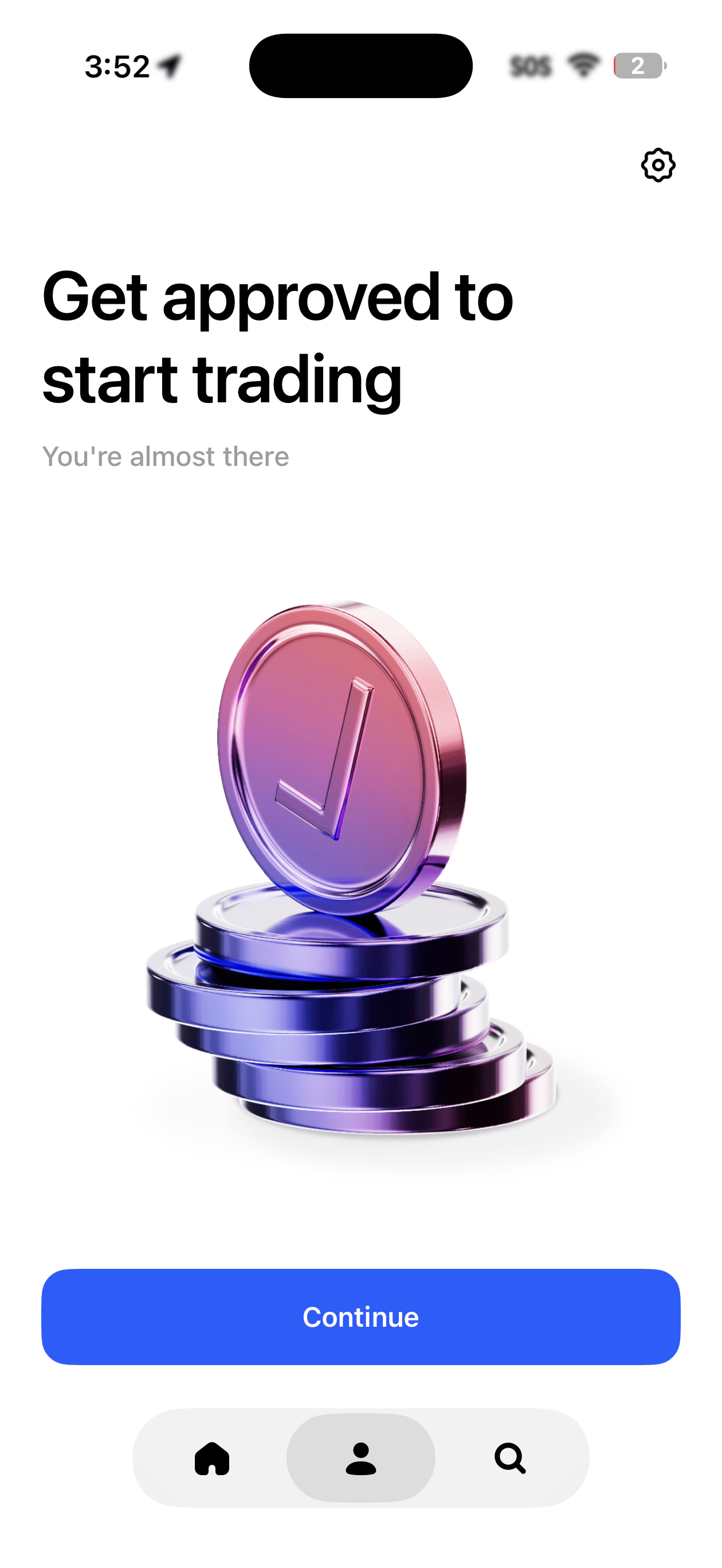
Complete identity verification - You’ll be asked to verify your identity before you can trade or access the API. Once approved, you’ll see a confirmation in the app.
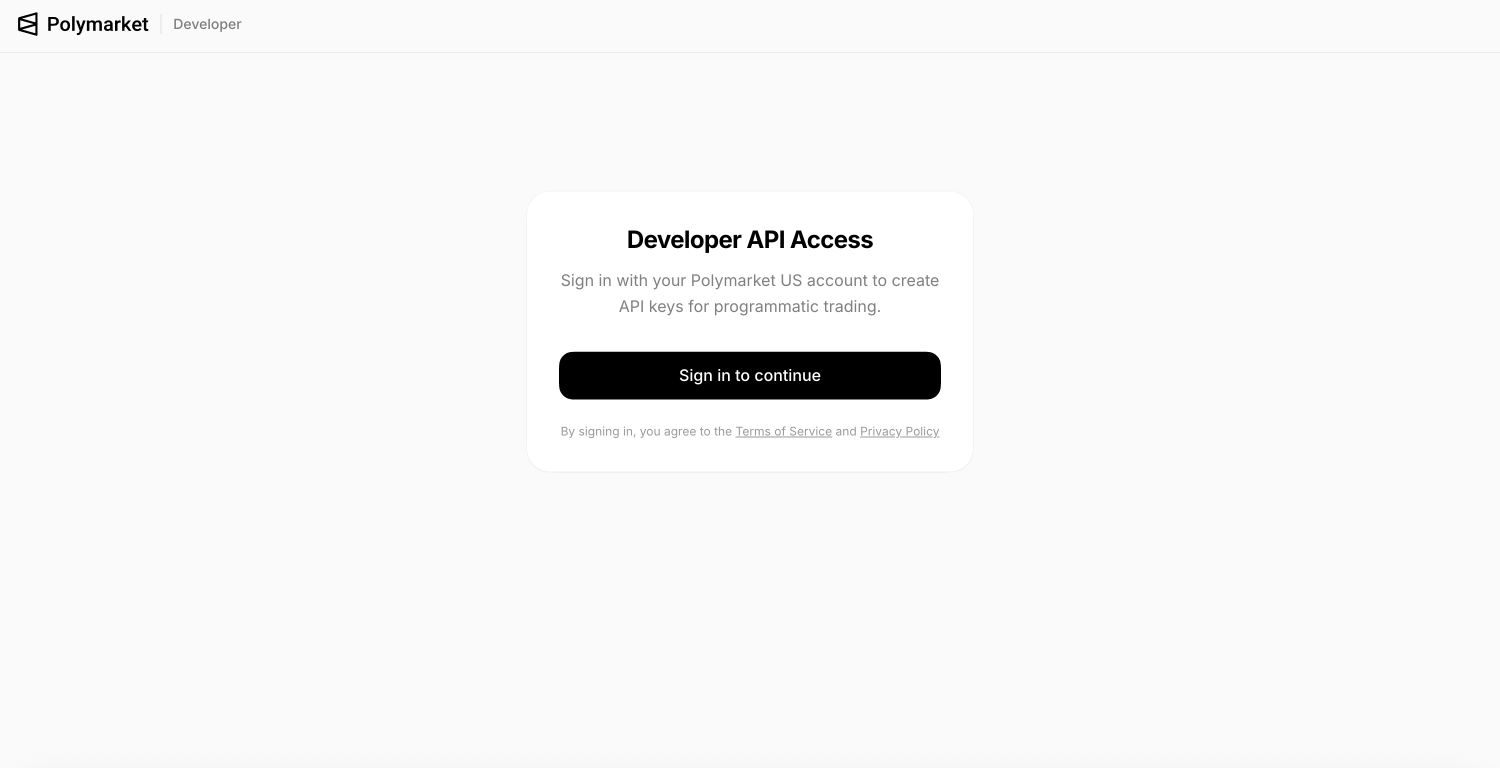
- Go to the developer portal - Visit polymarket.us/developer and sign in with the same method you used in the app (Apple, Google, or email).
- Create an API key - Click to create a new key. You’ll get a Key ID and a Secret Key.
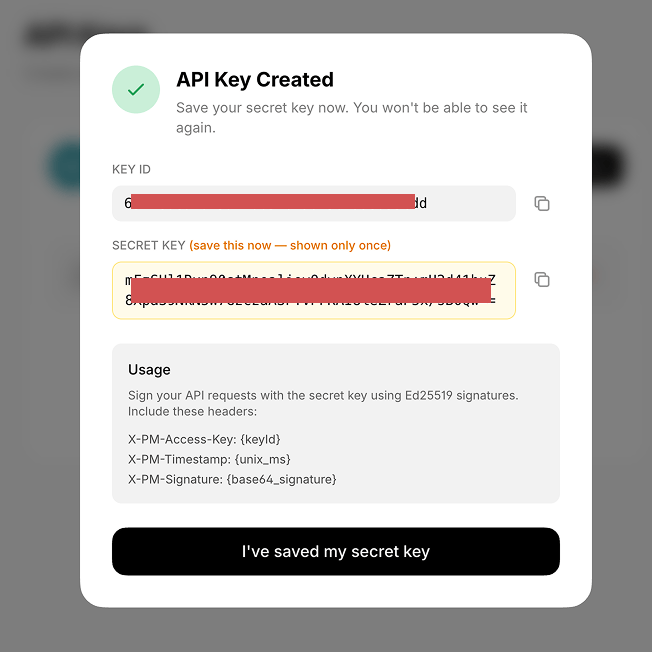
Your secret key is shown only once. Copy it somewhere safe before closing the dialog.
If you need help getting set up or need an invite code to access the app, email sami@polymarket.com.
Always sign in with the same method (Apple, Google, or email). Switching between sign-in methods may break your API key access.
Using the SDK
If you’re using the Python or TypeScript SDK, just pass your keys when creating the client - authentication is handled for you automatically.
import { PolymarketUS } from 'polymarket-us';
const client = new PolymarketUS({
keyId: process.env.POLYMARKET_KEY_ID,
secretKey: process.env.POLYMARKET_SECRET_KEY,
});
Making raw requests
If you’re not using an SDK, each request needs three headers:
| Header | Value |
|---|
X-PM-Access-Key | Your Key ID |
X-PM-Timestamp | Current time in milliseconds |
X-PM-Signature | A signature generated from your secret key |
The signature is built by combining the timestamp, HTTP method, and path, then signing it with your secret key. Timestamps must be within 30 seconds of server time.
import time, base64, requests
from cryptography.hazmat.primitives.asymmetric import ed25519
private_key = ed25519.Ed25519PrivateKey.from_private_bytes(
base64.b64decode("YOUR_SECRET_KEY")[:32]
)
def auth_headers(method, path):
timestamp = str(int(time.time() * 1000))
message = f"{timestamp}{method}{path}"
signature = base64.b64encode(private_key.sign(message.encode())).decode()
return {
"X-PM-Access-Key": "YOUR_KEY_ID",
"X-PM-Timestamp": timestamp,
"X-PM-Signature": signature,
"Content-Type": "application/json",
}
response = requests.get(
"https://api.polymarket.us/v1/portfolio/positions",
headers=auth_headers("GET", "/v1/portfolio/positions")
)
- Store your keys in environment variables, never in code
- Don’t commit keys to version control
- Revoke compromised keys immediately at polymarket.us/developer