Step 1: Get your API keys
Download the app - Get the Polymarket US app and create an account.
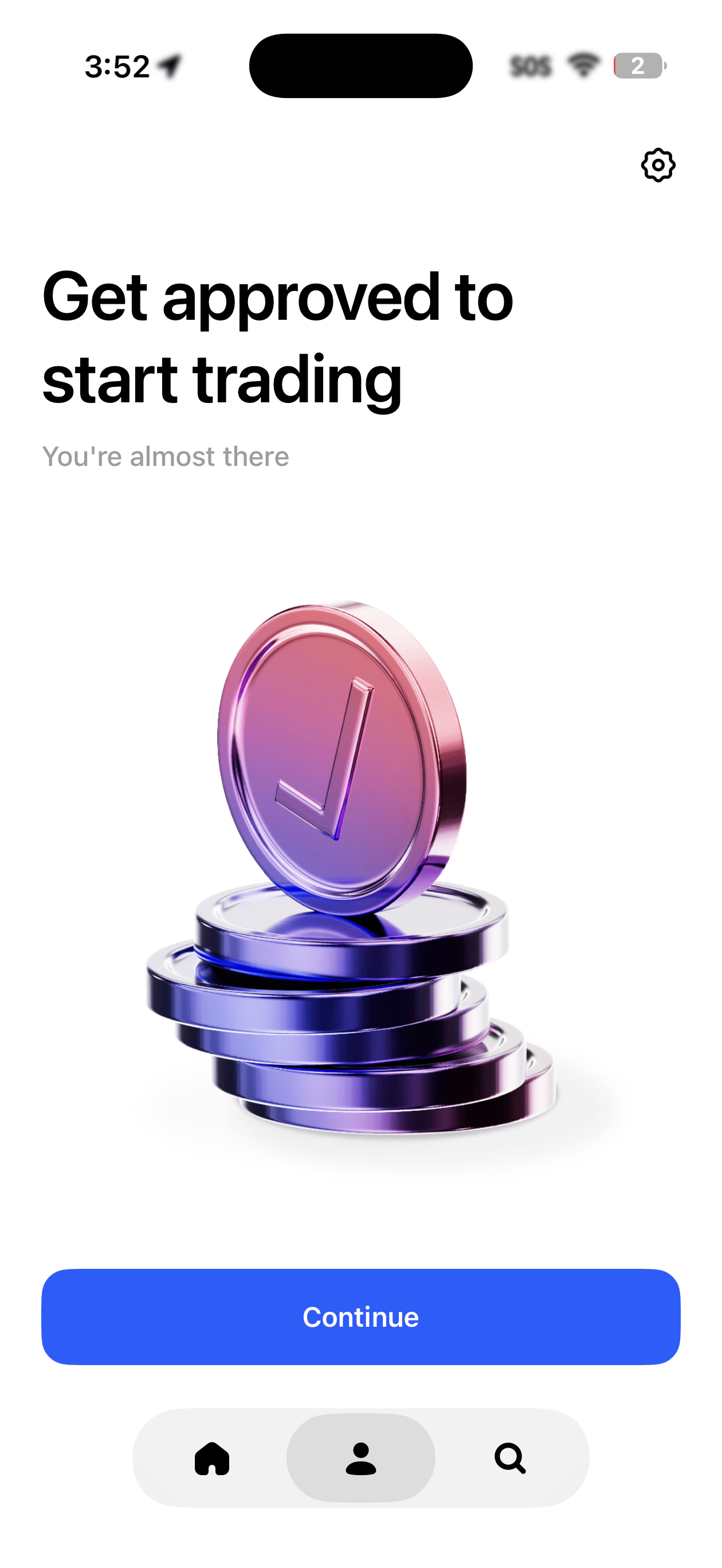
Complete identity verification - You’ll be asked to verify your identity before you can trade or access the API. Once approved, you’ll see a confirmation in the app.
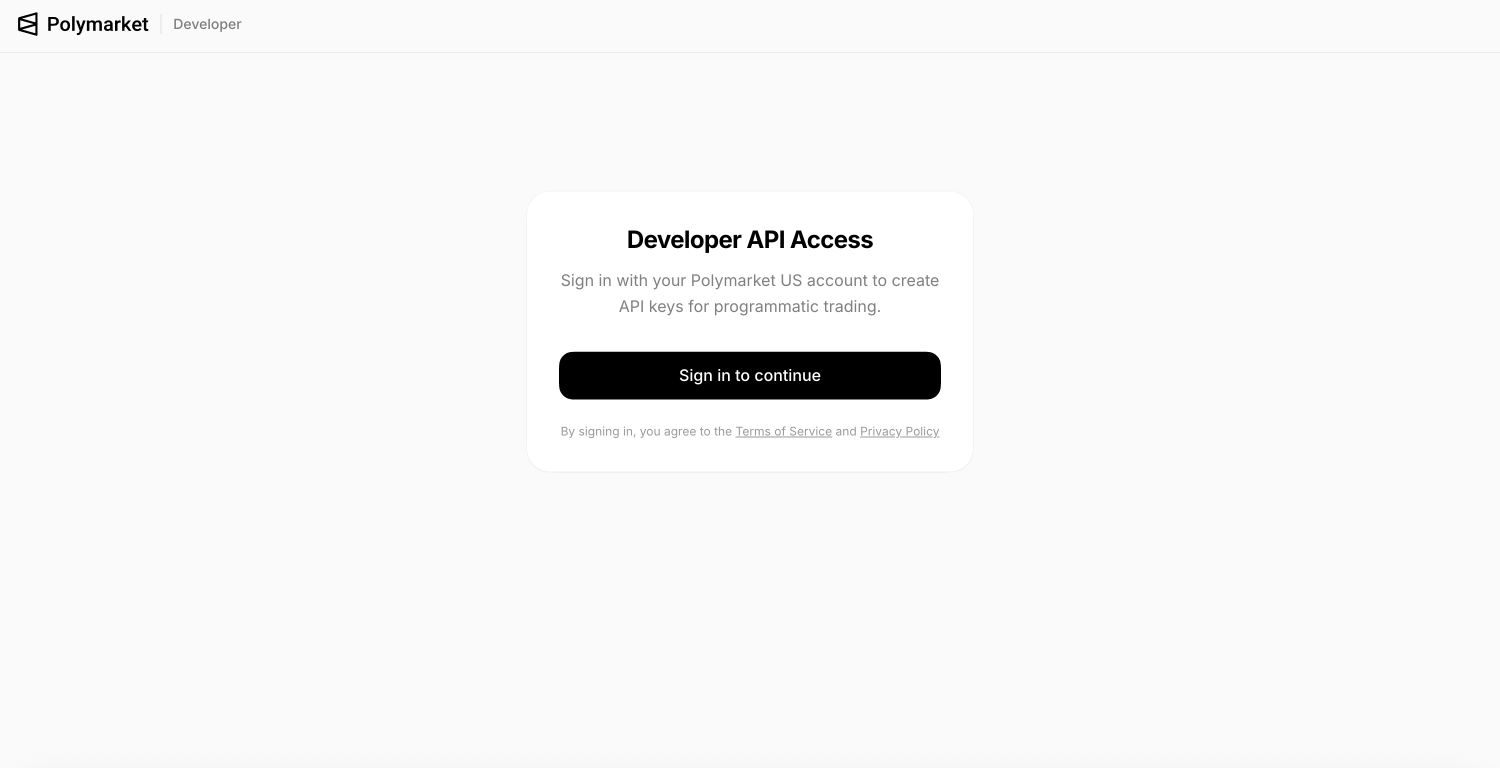
Go to the developer portal - Visit polymarket.us/developer and sign in with the same method you used in the app (Apple, Google, or email).
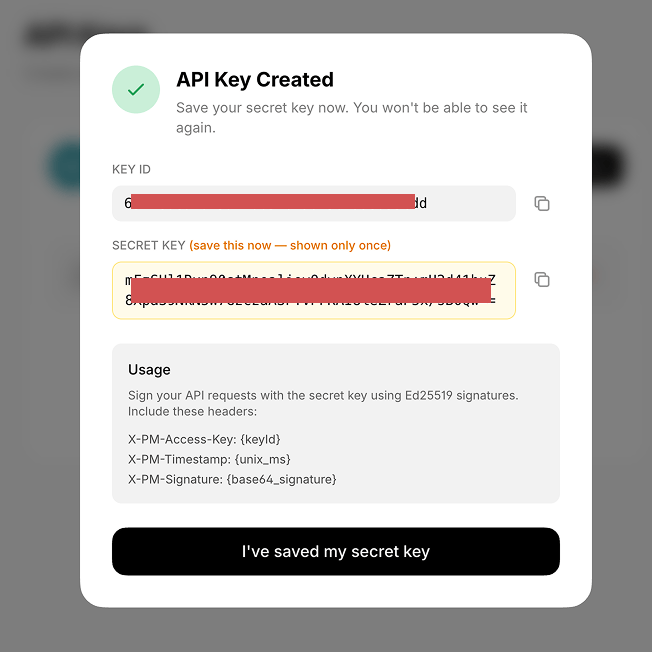
Create an API key - Click to create a new key. You’ll get a Key ID and a Secret Key .
Your secret key is shown only once . Copy it somewhere safe before closing the dialog.
If you need help getting set up or need an invite code to access the app, email sami@polymarket.com .
Step 2: Install the SDK
npm install polymarket-us
TypeScript requires Node.js 18+. Python requires 3.10+.
import { PolymarketUS } from 'polymarket-us' ;
const client = new PolymarketUS ({
keyId: process . env . POLYMARKET_KEY_ID ,
secretKey: process . env . POLYMARKET_SECRET_KEY ,
});
Step 4: Fetch market data
No authentication required for public endpoints.
const client = new PolymarketUS ();
const events = await client . events . list ({ limit: 10 , active: true });
const market = await client . markets . retrieveBySlug ( 'chiefs-super-bowl' );
const book = await client . markets . book ( 'chiefs-super-bowl' );
Step 5: Place an order
const order = await client . orders . create ({
marketSlug: 'chiefs-super-bowl' ,
intent: 'ORDER_INTENT_BUY_LONG' ,
type: 'ORDER_TYPE_LIMIT' ,
price: { value: '0.55' , currency: 'USD' },
quantity: 100 ,
tif: 'TIME_IN_FORCE_GOOD_TILL_CANCEL' ,
});
Check your account
const balances = await client . account . balances ();
const positions = await client . portfolio . positions ();
const openOrders = await client . orders . list ();
Error handling
import {
AuthenticationError ,
BadRequestError ,
NotFoundError ,
RateLimitError ,
} from 'polymarket-us' ;
try {
const order = await client . orders . create ({ marketSlug: '...' });
} catch ( error ) {
if ( error instanceof AuthenticationError ) {
console . error ( 'Invalid credentials' );
} else if ( error instanceof BadRequestError ) {
console . error ( 'Invalid parameters:' , error . message );
} else if ( error instanceof RateLimitError ) {
console . error ( 'Rate limited' );
} else if ( error instanceof NotFoundError ) {
console . error ( 'Not found' );
}
}
Error Description AuthenticationErrorInvalid or missing credentials BadRequestErrorInvalid request parameters NotFoundErrorResource not found RateLimitErrorRate limit exceeded APITimeoutErrorRequest timed out APIConnectionErrorNetwork connection error
Next steps
TypeScript SDK Full SDK reference for TypeScript.
Python SDK Full SDK reference for Python.
API Reference Explore all REST endpoints.
WebSockets Stream live market data.